CRM System
CRM systems can be complex and overwhelming for users, hindering their ability to manage customer relationships effectively. This project aims to develop a CRM system that prioritizes user experience (UX) by being intuitive, efficient, and easy to learn.
Project Overview
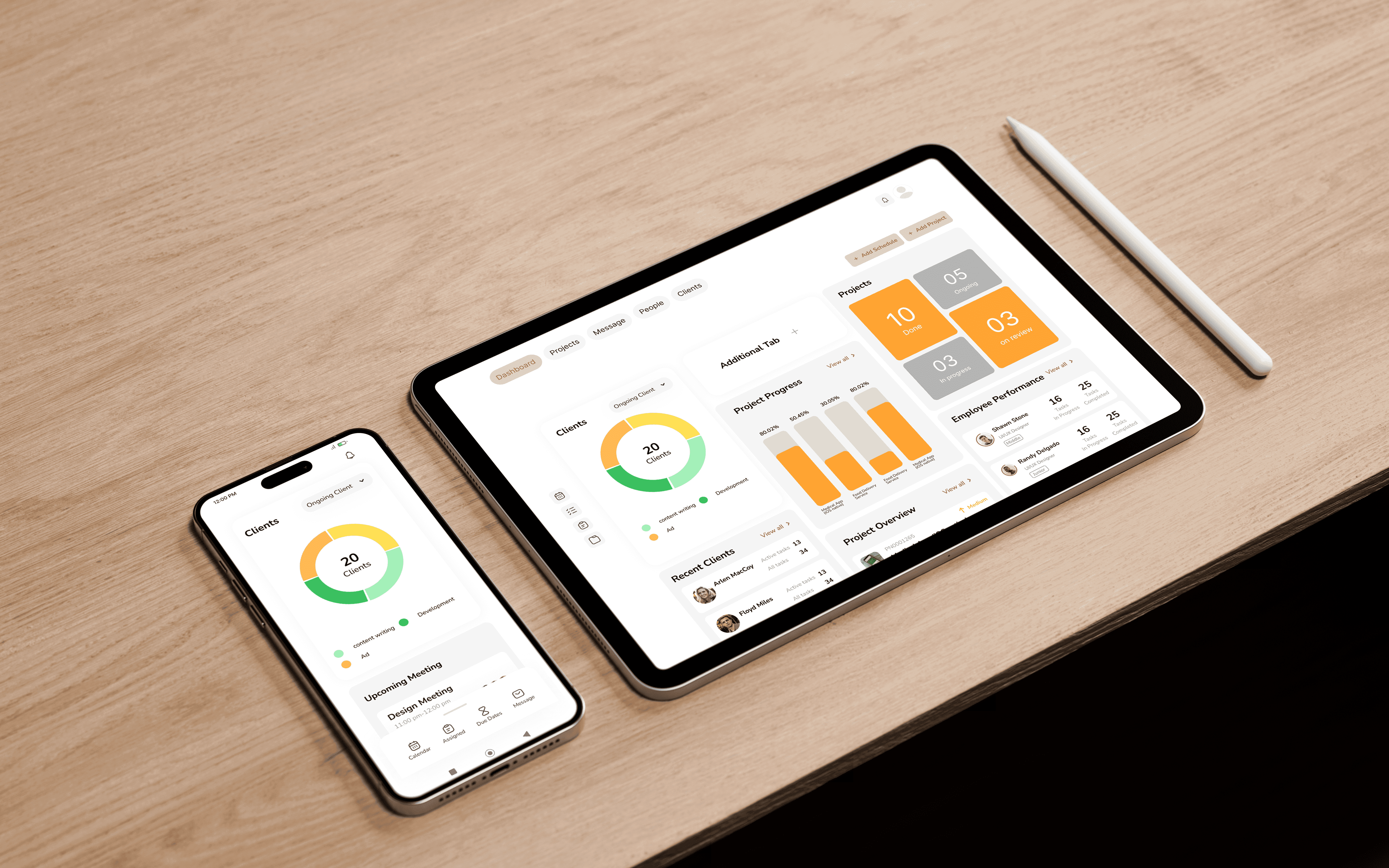
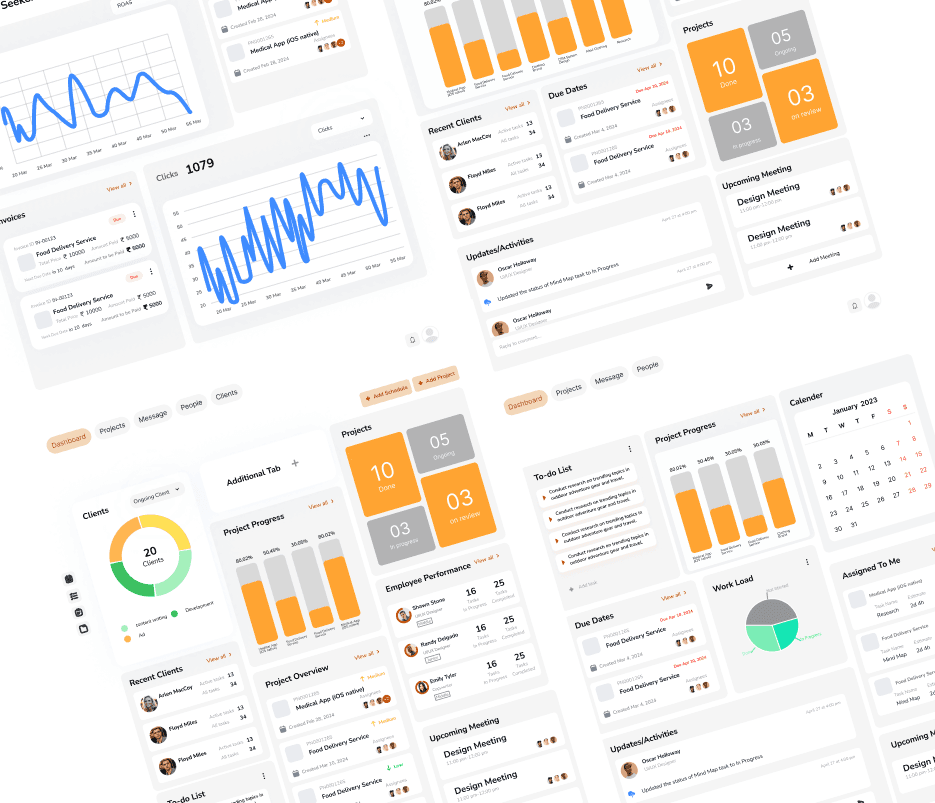
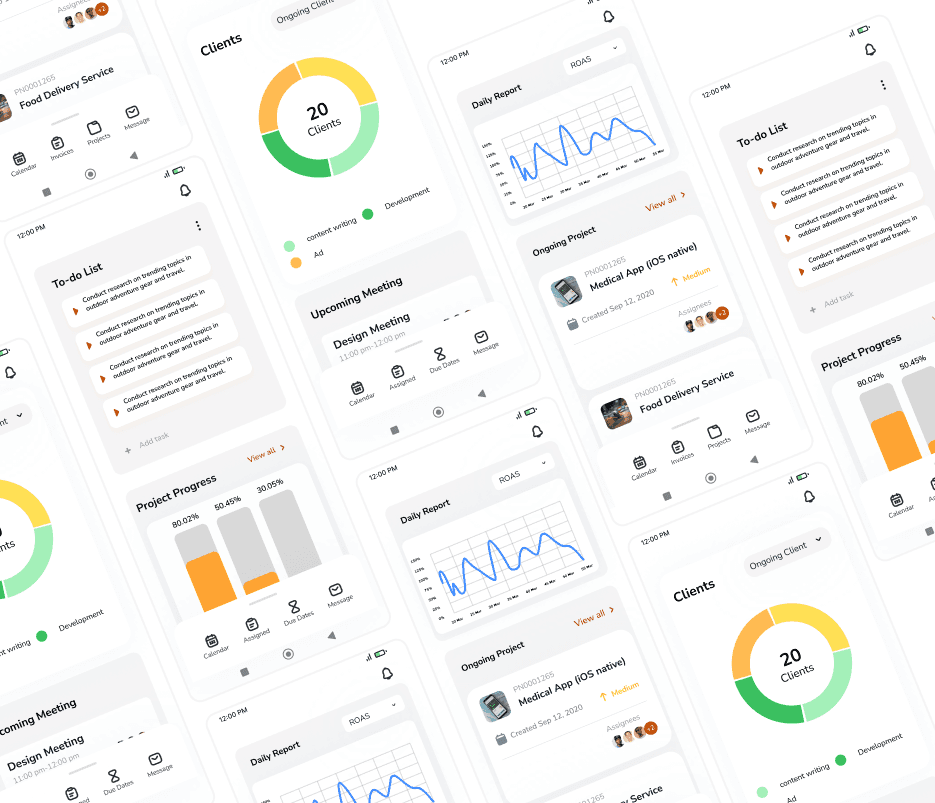
As a UI/UX intern at OnlineScope, I independently completed a month-long project to design over 100 screens for both desktop and mobile versions of a CRM system. This comprehensive project significantly enhanced my familiarity with dashboard system design.
Problem Statement
The CRM system should be user friendly and as it will be used inhouse it should have dediacated features which are mentioned later. In this case usibility is the priority.
Research
My research identified several leading CRM systems: HubSpot, Salesforce, ClickUp, Basecamp, and Monday.com. While each offers valuable features, user-friendliness emerged as a key differentiator.
During my research, Basecamp and ClickUp stood out for their focus on usability. Both platforms boast clean and intuitive user interfaces that prioritize clarity. Essential information is readily available on customizable dashboards, minimizing the need for users to navigate complex menus. This streamlined approach reduces the learning curve and empowers users to quickly grasp the system's functionality.
accomplishment and encourages continued engagement with the CRM.
User FLow
CRM System has a large userflow due to large number of screens for different desginations for ex- Employee, Manger, Admin, Client etc. In below the userflow of the employee screen has been shown, as the designation increases the complexity of the userflow increases.
Problem encountered
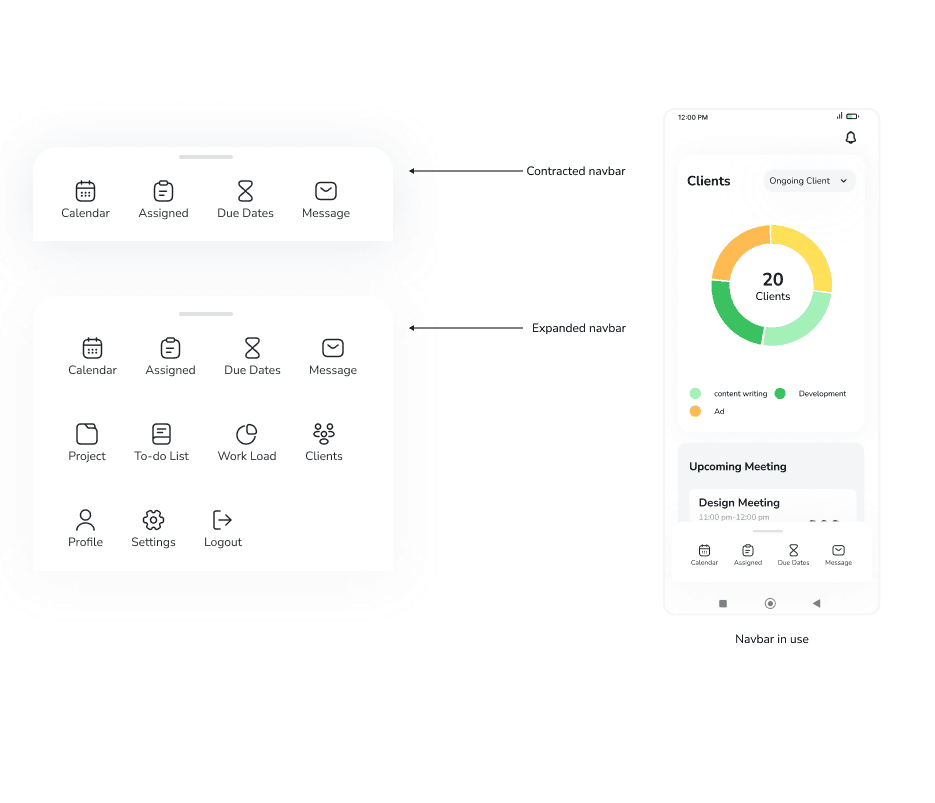
While developing the mobile version of our CRM system, I was instructed to replace the side navbar with a bottom navbar. Initially, I believed accommodating more than six elements in a bottom navbar was impractical. However, inspired by Android's UI that displays four apps and reveals the rest upon upward dragging, I implemented a similar drag-up mechanism to fit all ten elements within the bottom navbar.
Prototyping
The final high-fidelity prototype presented cleaner user flows for the CRM System for both mobile and desktop version. It also meet user needs of easy real time sale monitoring with reports and inventory management.
